
Editorial guide
USB-C versus magnetic flashlight charging
USB-C and magnetic charging solve the same basic job in different ways.
A guide to charging interfaces, cables, battery arrangements and the model details worth checking before a replacement.
Start with the interface
USB-C is a connector category, not a universal charging profile. A USB-C port on one light cannot establish that every cable or power source will behave the same way with it.
Proprietary magnetic charging is a named relationship among a light, a magnetic charging head or puck, and a cable. Connector style alone is not a replacement-part answer.
What the records show
Fenix E18R V2.0 and HM50R V2.0 document USB-C or USB Type-C on the light or lamp. Wuben G5 documents USB-C at 5V/1A with a built-in 450mAh battery.
Streamlight MicroStream USB documents micro-USB with a removable Streamlight 66607 battery. Olight Perun 3 documents its named MCC3 cable with USB Type-A input. Each record keeps the interface with the exact model.
Battery arrangement is a separate question
Removable, built-in and integrated describe how the light stores power, not the connector. E18R V2.0 and HM50R V2.0 pair USB-C with removable cells, while G5 pairs USB-C with a built-in battery.
A removable-cell light has a separate battery-replacement path. A built-in system keeps the battery and light together. Check the battery arrangement beside the charging interface rather than treating one as proof of the other.
Choose the ownership routine
A reader can weigh a commonly available cable against carrying a named magnetic spare. USB-C may reduce the number of different cables in a bag, while a proprietary system requires the documented accessory for that light.
A shared brand or a similar magnetic head cannot establish a cross-model cable relationship. Before replacing a cable, puck, cradle or charger, open the exact model record and check the named relationship.
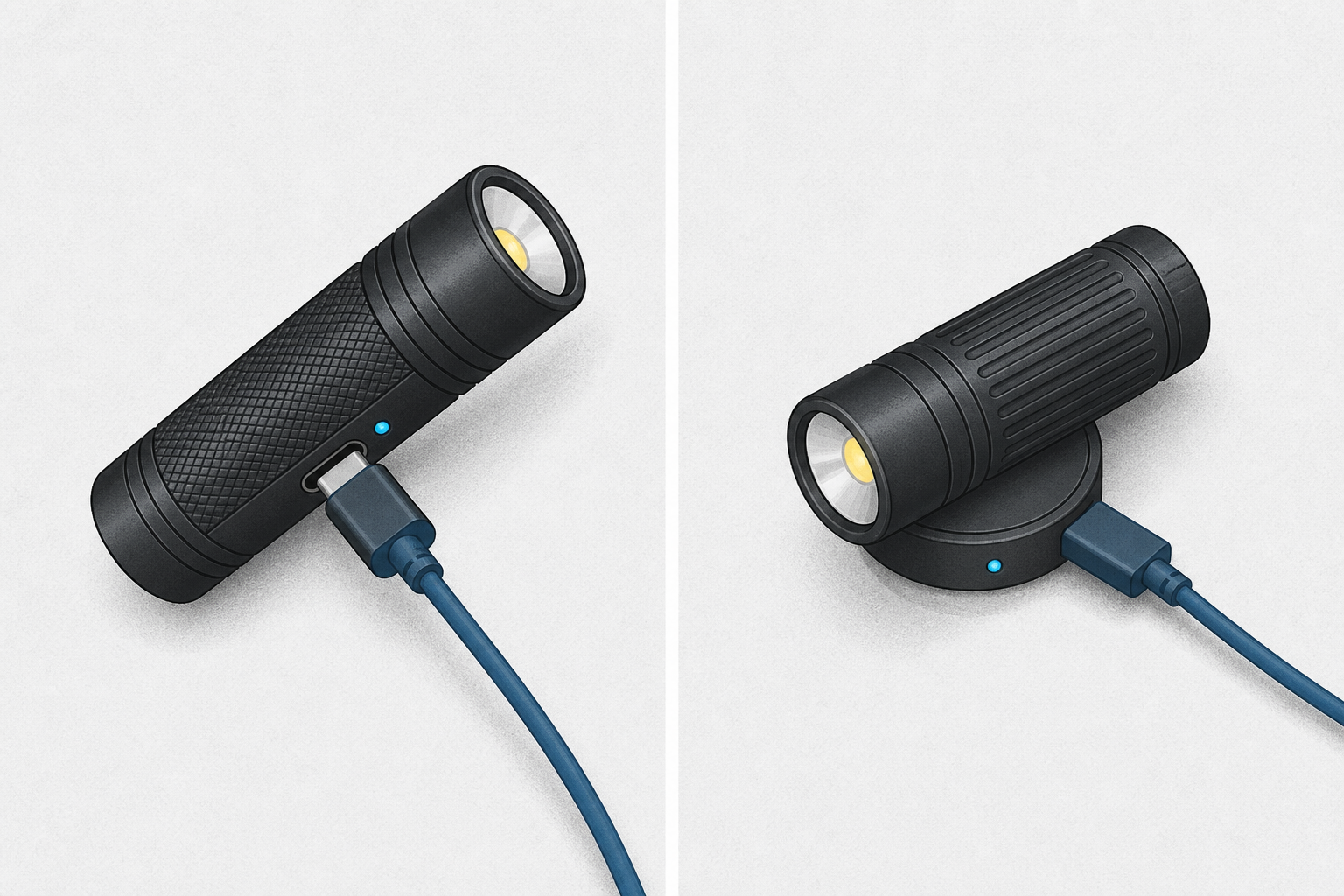
USB-C connector on the light
Named magnetic cable system
Check cable and power input together
Match the exact model record
| Category | What it describes | Check before replacing | Exact sources |
|---|---|---|---|
| USB-C | A model has a documented USB-C interface. | Cable behavior and input profile. | Fenix E18R V2.0 product recordFenix HM50R V2.0 product recordWuben G5 product recordWuben G5 V1.1 manual |
| Proprietary magnetic | A model uses a named cable or magnetic head. | The light, puck and cable together. | Olight Perun 3 product recordOlight Perun 3 manual |
| micro-USB | A model instruction identifies micro-USB. | The model and cable specification. | Streamlight MicroStream USB instructions |
Source notes
Manufacturer and standards sources for the facts on this page.
- Fenix E18R V2.0 product record
- Fenix HM50R V2.0 product record
- Streamlight MicroStream USB instructions
- Wuben G5 product record USB-C claim.
- Wuben G5 V1.1 manual USB-C 5V/1A and built-in-battery fields.
- Olight Perun 3 product record
- Olight Perun 3 manual